
Where to Find It
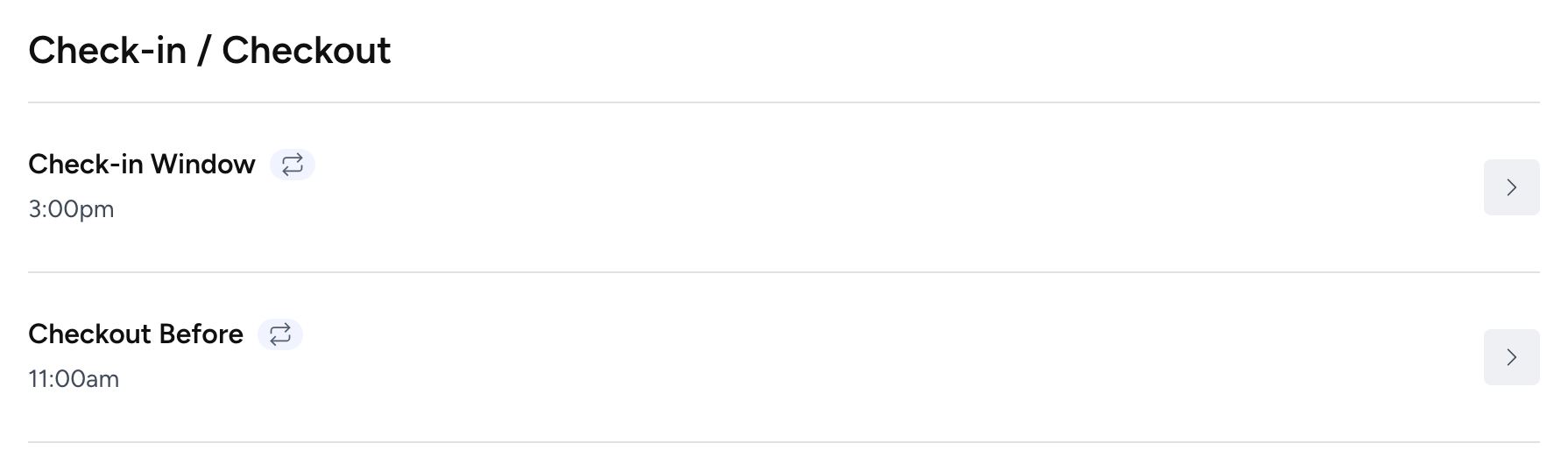
Check-in and check-out times are set under Property > Policies > Check-In/Check-Out. Click a row to edit it. You’ll find separate fields for check-in window (earliest and latest), check-out time, and check-in method.
Setting Your Times
For check-in, you set a window rather than a single time: an earliest possible check-in and a latest. A common setup is 3:00 PM to 10:00 PM. The earliest time protects your turnover window after a checkout. The latest time is important if you’re doing self-check-in without a property manager on call overnight, since guests arriving very late without preparation is a common source of issues.
Check-out is a single time, typically 10:00 AM or 11:00 AM. Earlier checkouts give your cleaning team more runway. If you offer late checkout as an upsell or courtesy, keep your standard checkout time at what you actually need and handle exceptions manually.
Check-In Methods
Futurestay lets you specify how guests will access your property, set under Property > Check-in/out. Options typically include self-check-in via smart lock, keypad, lockbox, or building staff, as well as in-person host greeting. You can select all methods that apply. This information displays on your listing and in pre-arrival messaging.
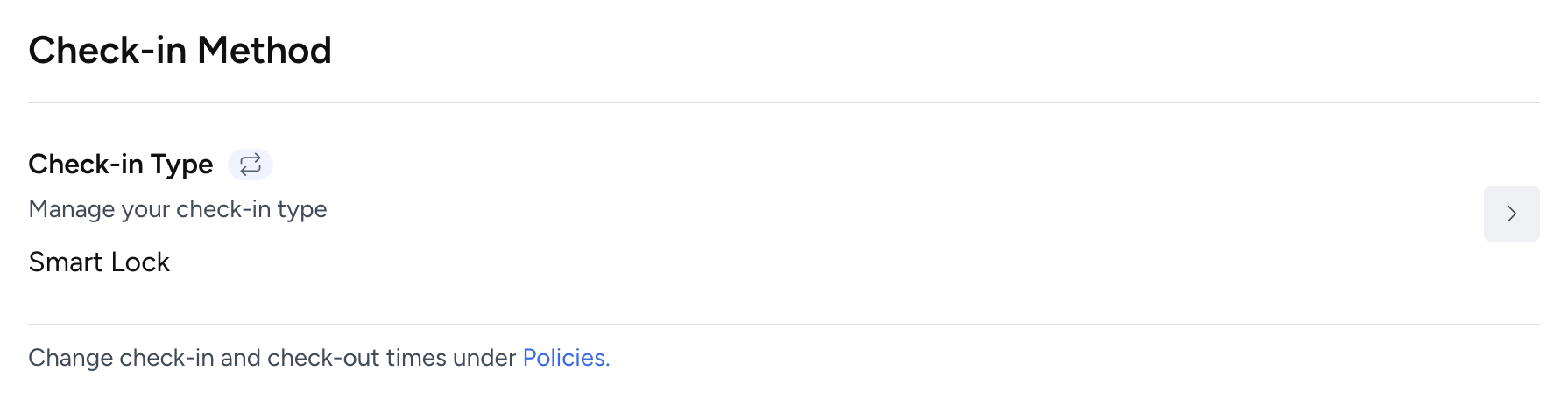
Specifying your check-in method matters for channel performance. Airbnb gives search ranking benefits to listings that offer self-check-in because it reduces friction for guests traveling with flexible schedules. Even if you sometimes greet guests in person, selecting smart lock or lockbox as a method can improve your listing’s visibility.
Channel Sync
Check-in and check-out times sync to Airbnb if you’re on Full Sync. With Basic Sync, you’ll need to update these times directly in Airbnb as well. For your direct booking website, the times display in the booking flow and in automated guest messages once you have messaging set up.